Talk with our engineers by joining the new Onehouse community Slack!
TL;DR
Lakegres gives your lakehouse tables a Postgres endpoint, so a plain Python script can read them. We connected with psycopg2 and SQLAlchemy and read revenue by campaign into pandas, swapped in polars with one line, and did the same through the Onehouse Python SDK. After we added a 240.00 order in the source database, the next run showed it: the autumn sale email went from 97 orders and 7,652.50 to 98 orders and 7,892.50.
Onehouse Lakegres: Query lakehouse tables from a Python client
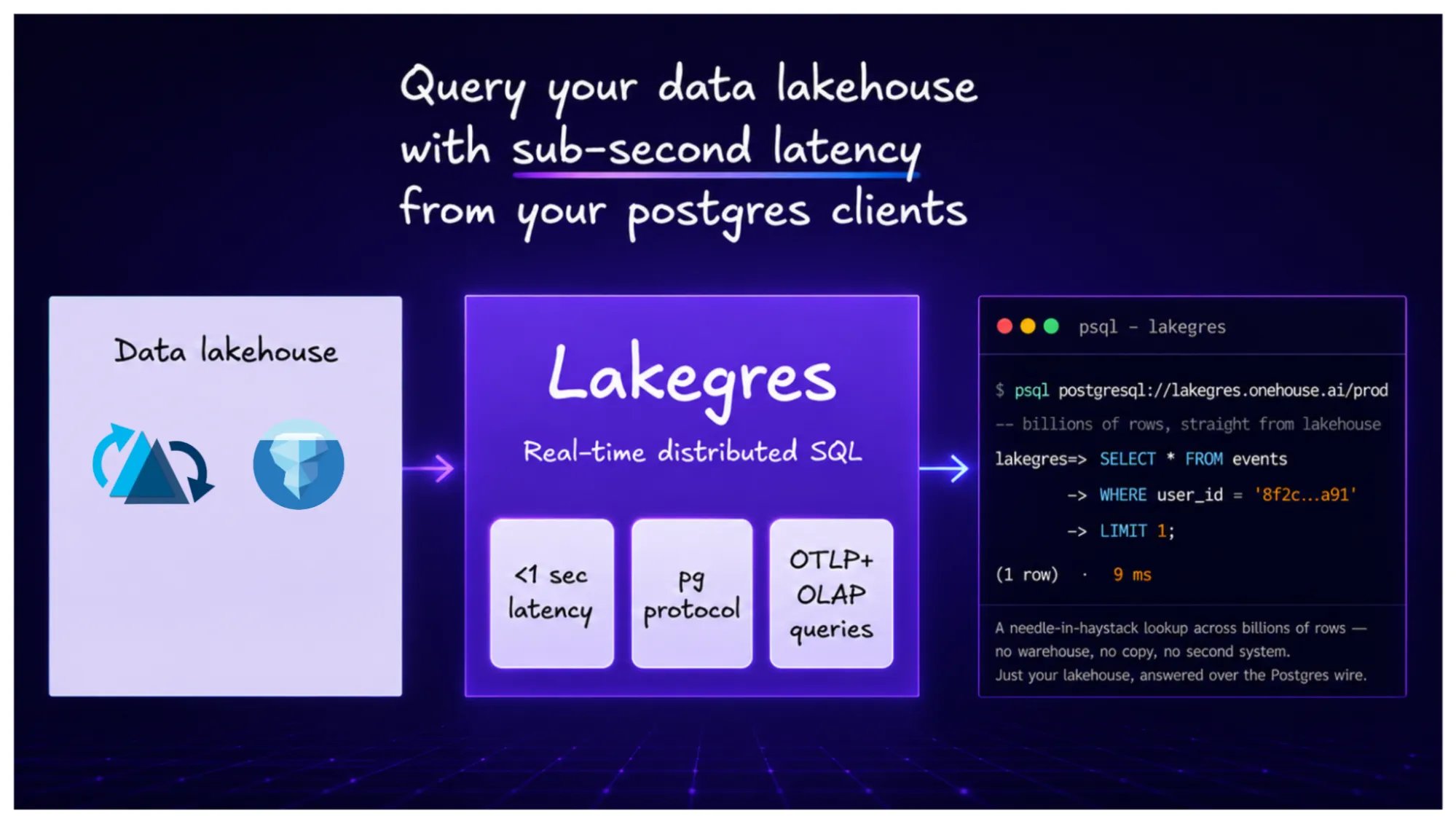
Onehouse Lakegres™ gives your lakehouse tables a Postgres endpoint. That means the Python tools you already use, such as psycopg2, SQLAlchemy, pandas and polars, can read those tables directly, with the same code you would write against any Postgres database.
In this post, we connect a small Python script to Lakegres two ways: with the Postgres driver, and with the Onehouse Python SDK. We read the results into pandas and polars, and then add an order to the source database to see it show up in the results after the next sync.
The result
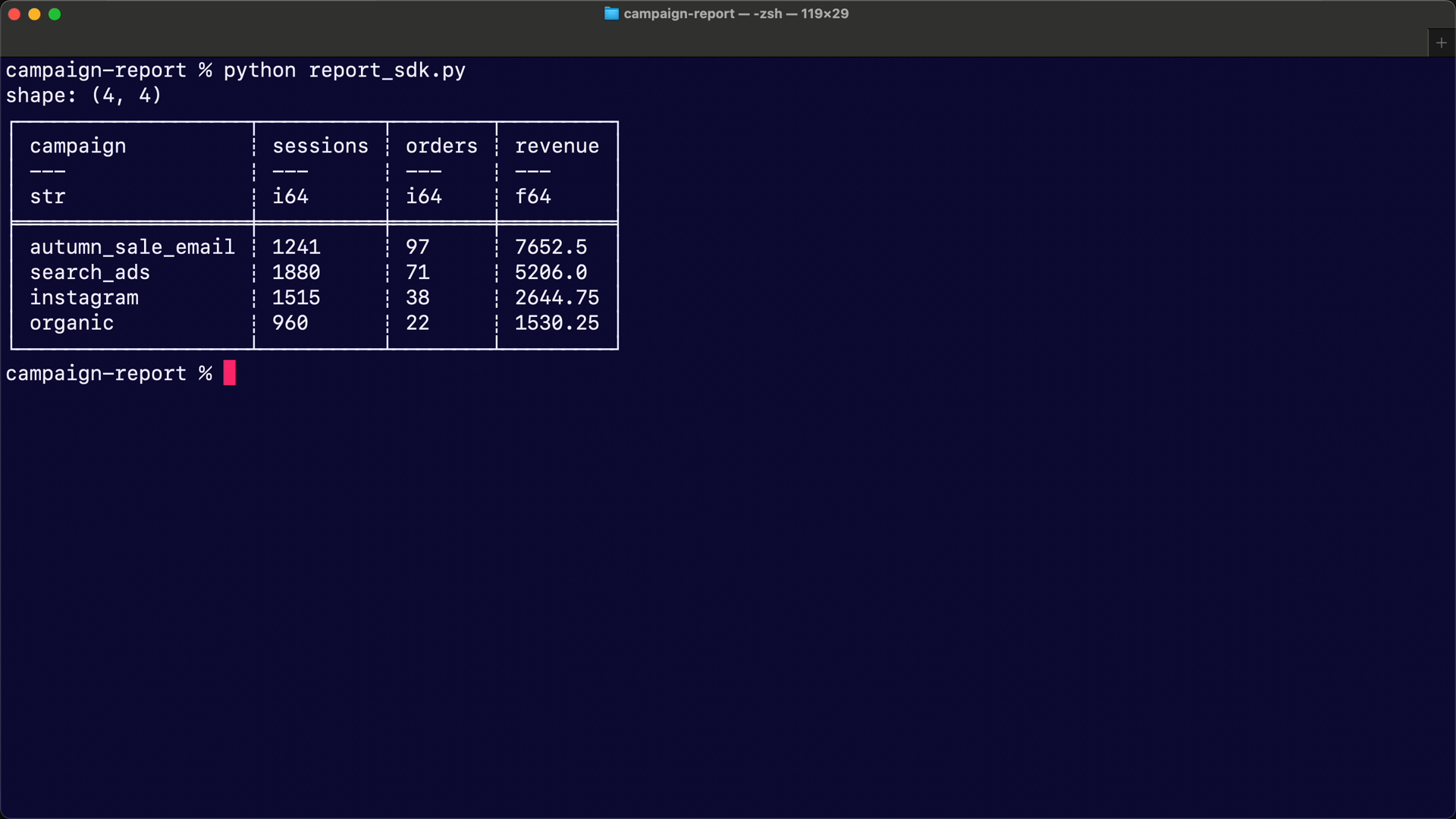
By the end, a 20-line Python script returns revenue for each marketing campaign, read straight from the lakehouse tables:
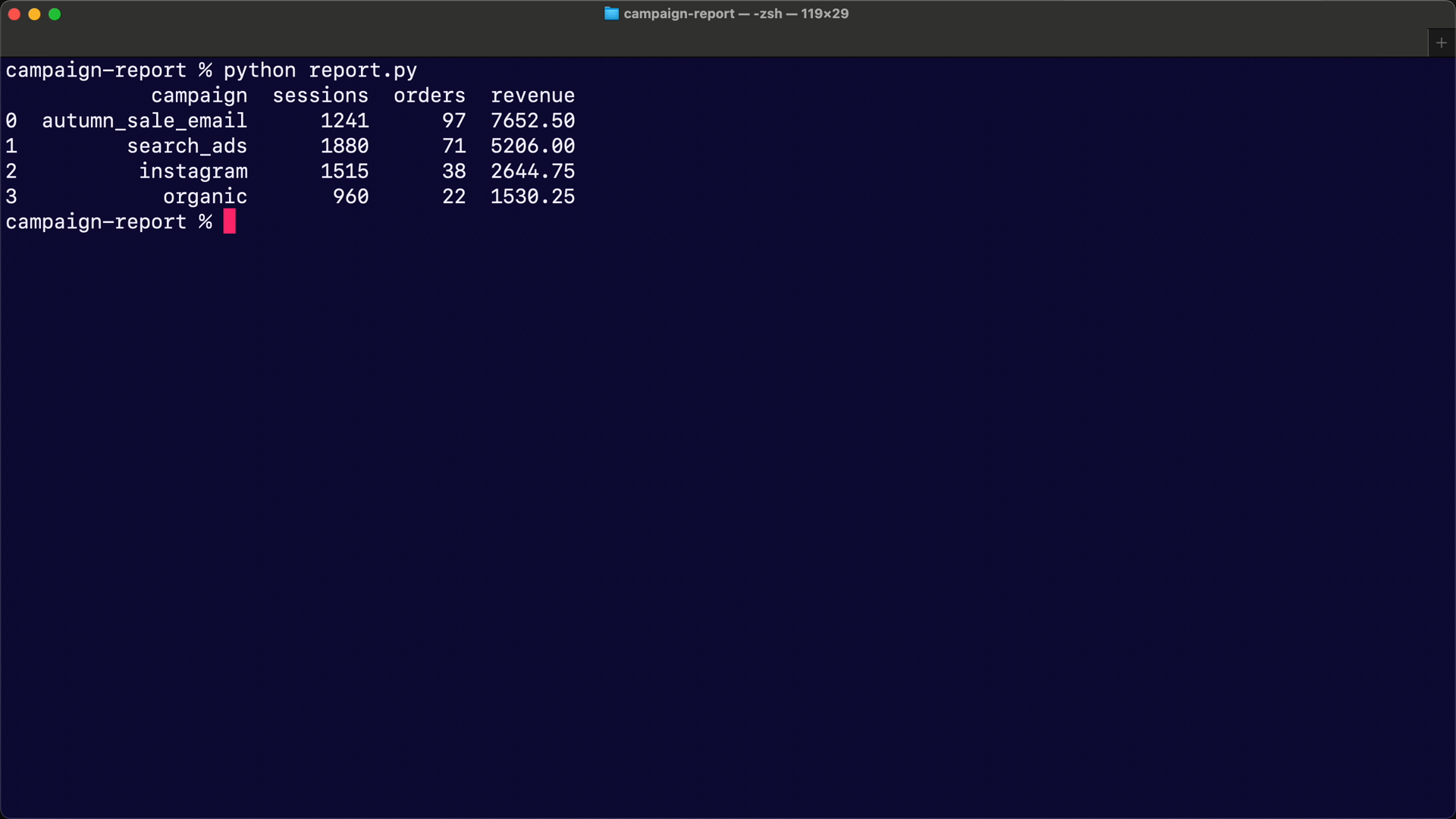
            campaign  sessions  orders  revenue
0  autumn_sale_email      1241      97  7652.50
1         search_ads      1880      71  5206.00
2          instagram      1515      38  2644.75
3 organic 960 22 1530.25| What we did | What we saw |
|---|---|
| Read the tables with psycopg2, SQLAlchemy and pandas | a pandas DataFrame, as above |
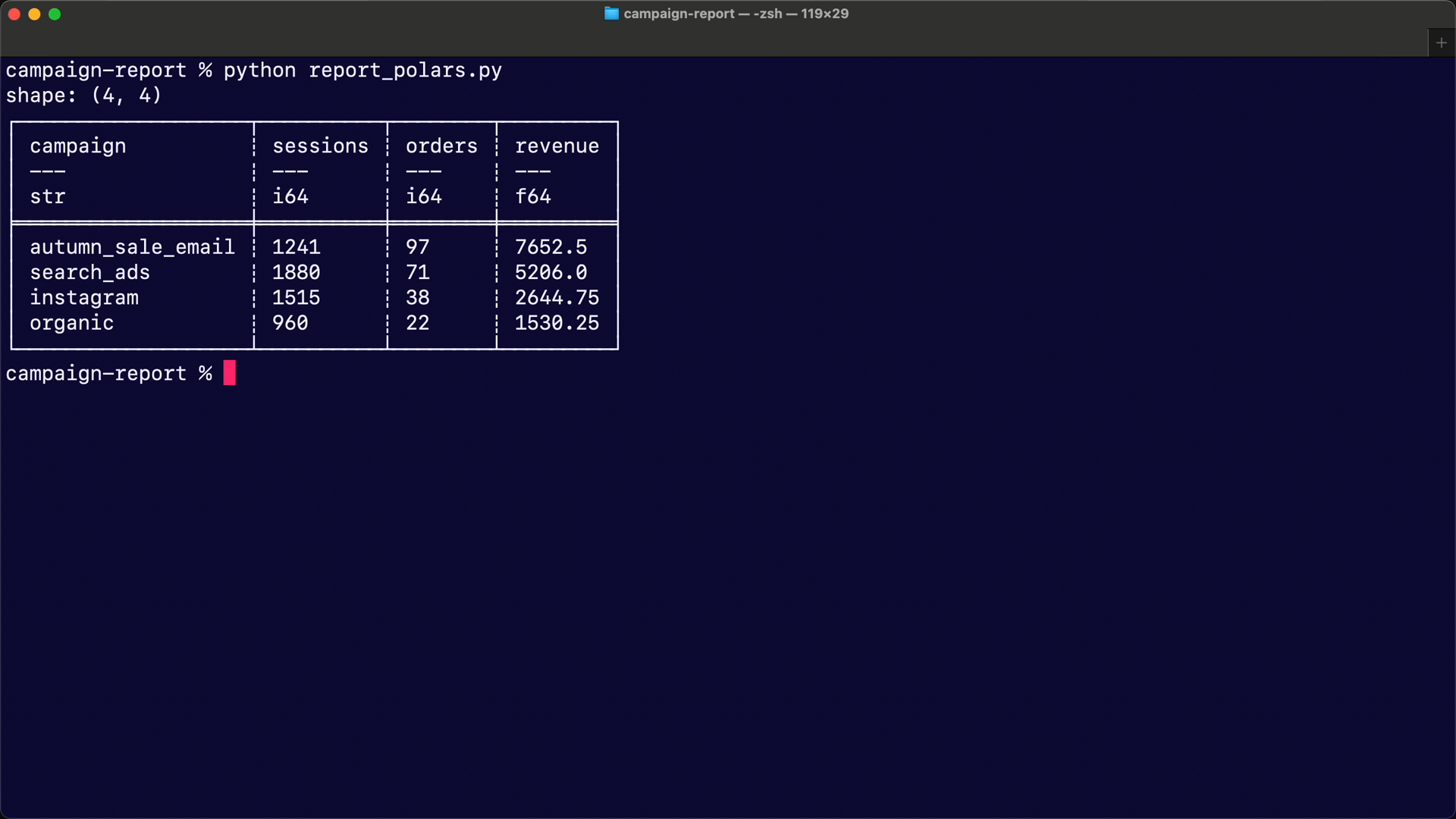
| Swapped pandas for polars | the same numbers, in a polars DataFrame |
| Connected with the Onehouse Python SDK instead | the same numbers again |
| Added one 240.00 order in the source database | after the next sync, autumn_sale_email went from 97 orders and 7,652.50 to 98 orders and 7,892.50 |
How it works
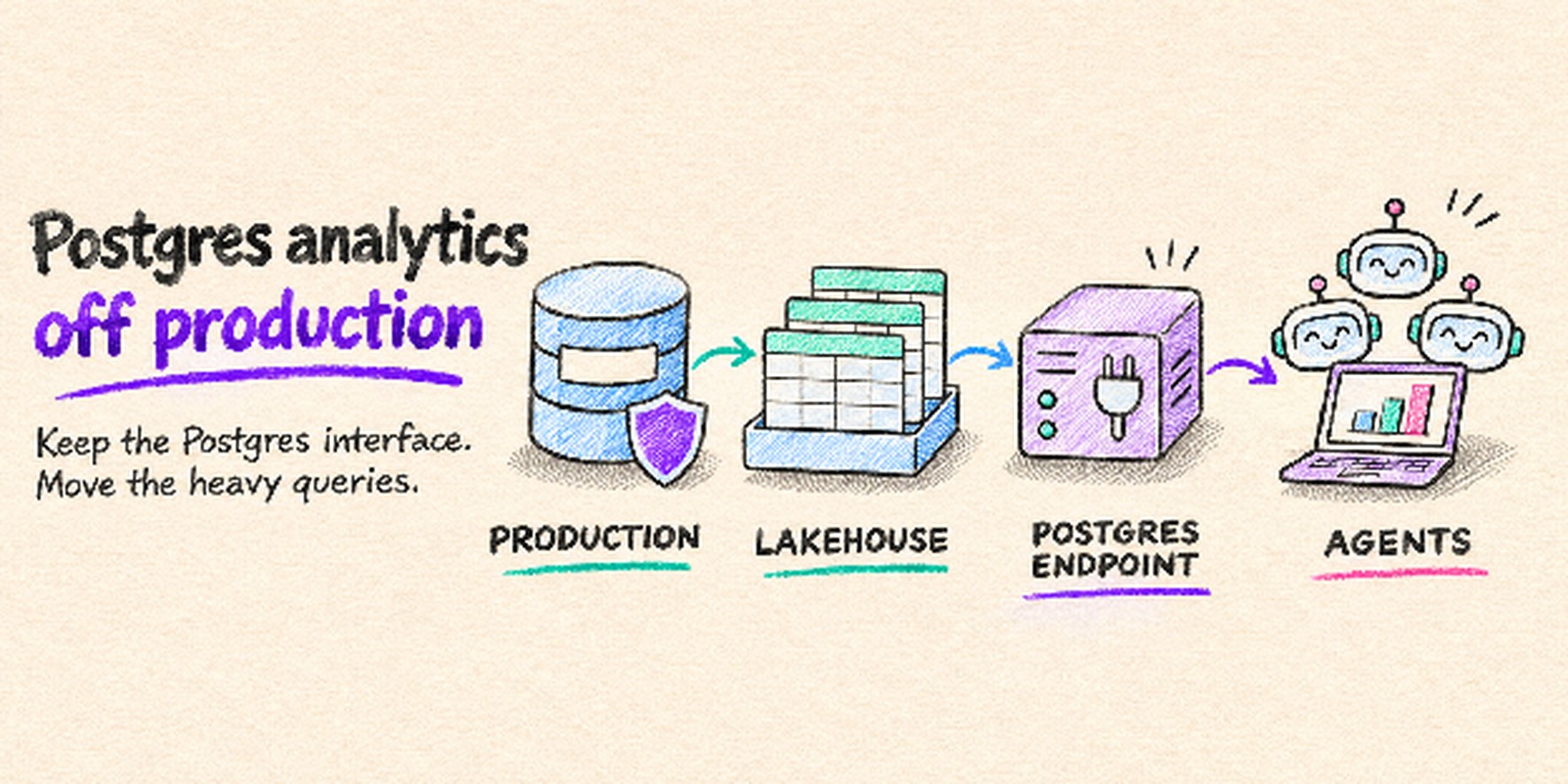
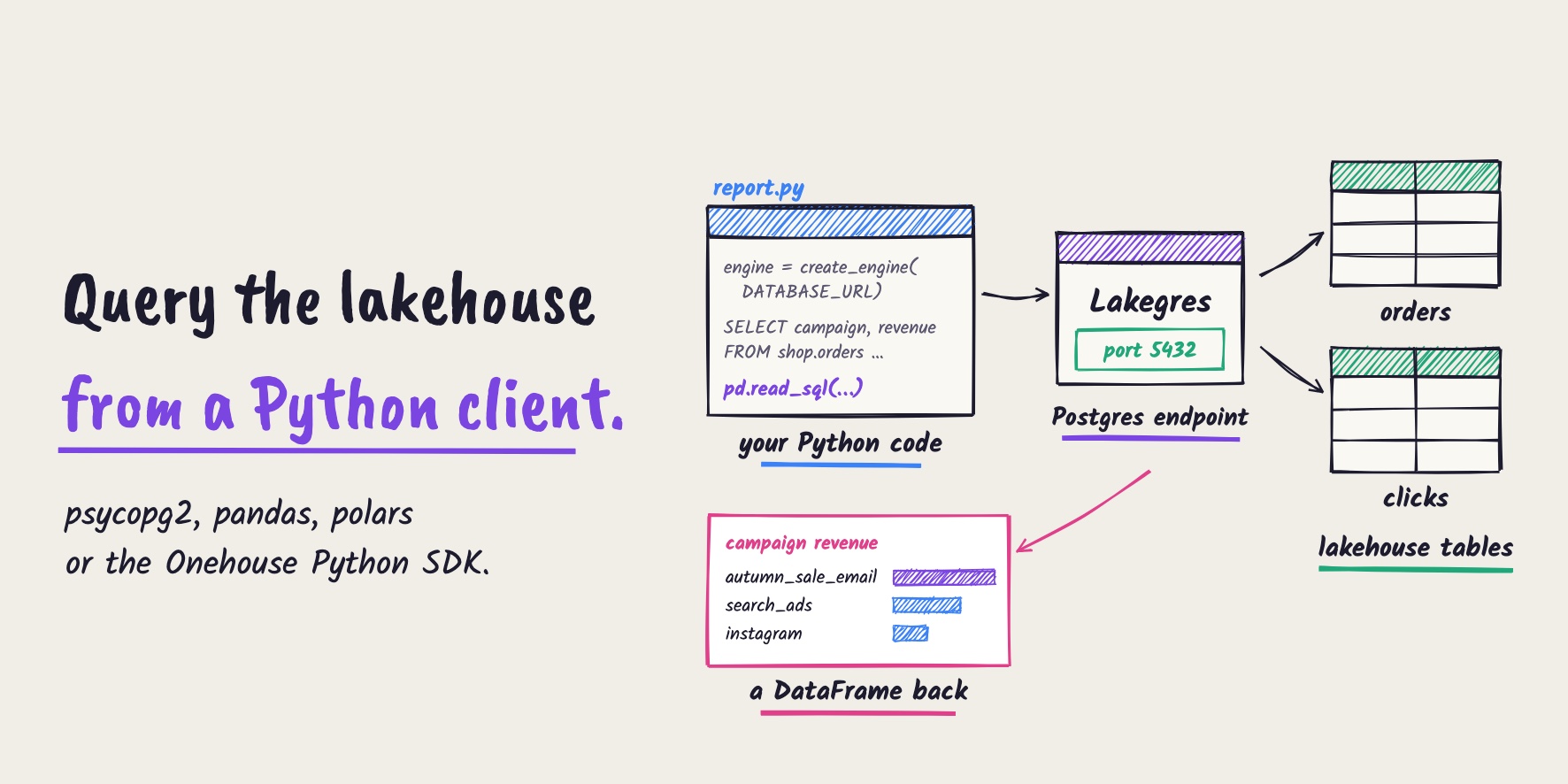
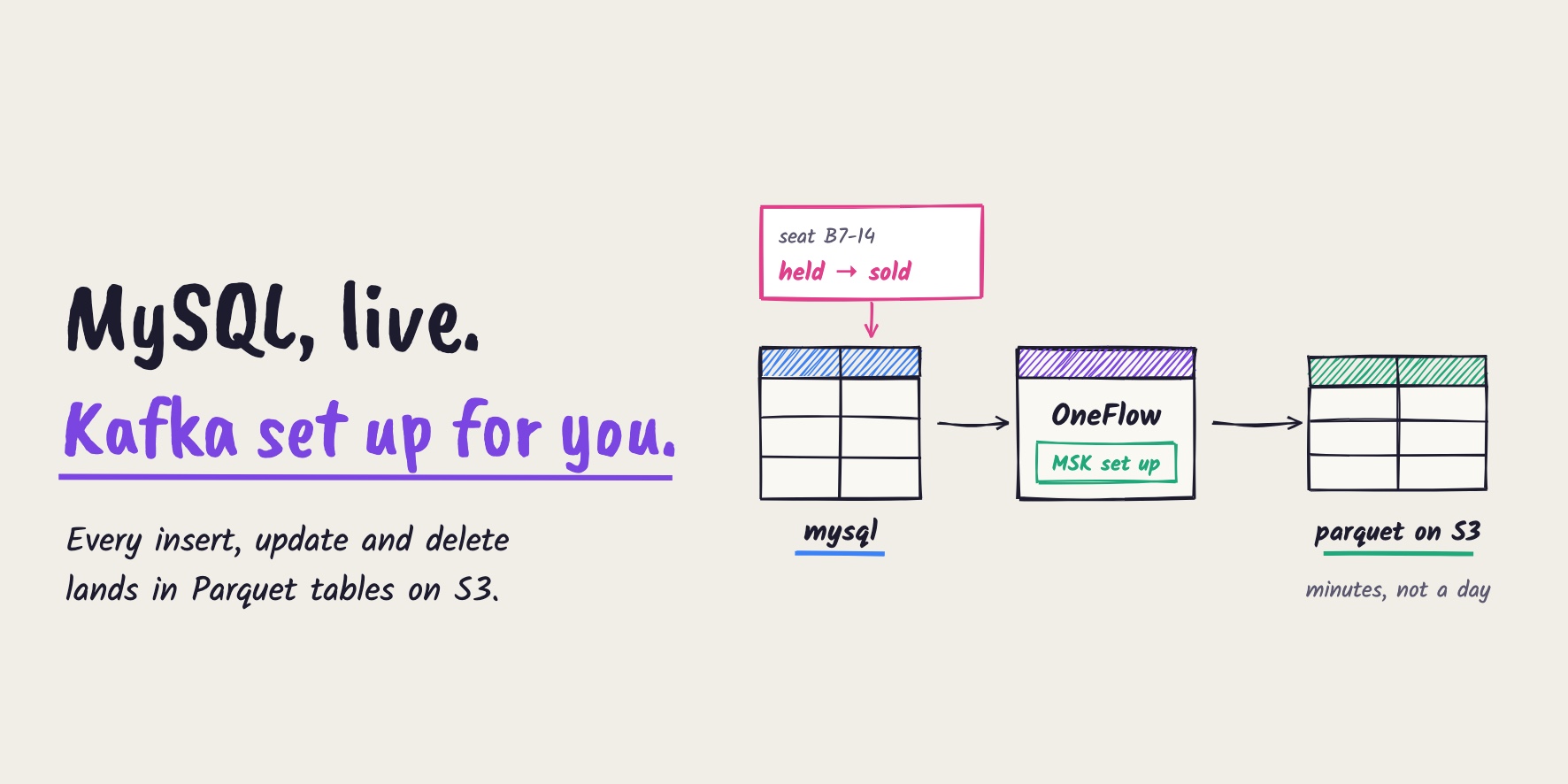
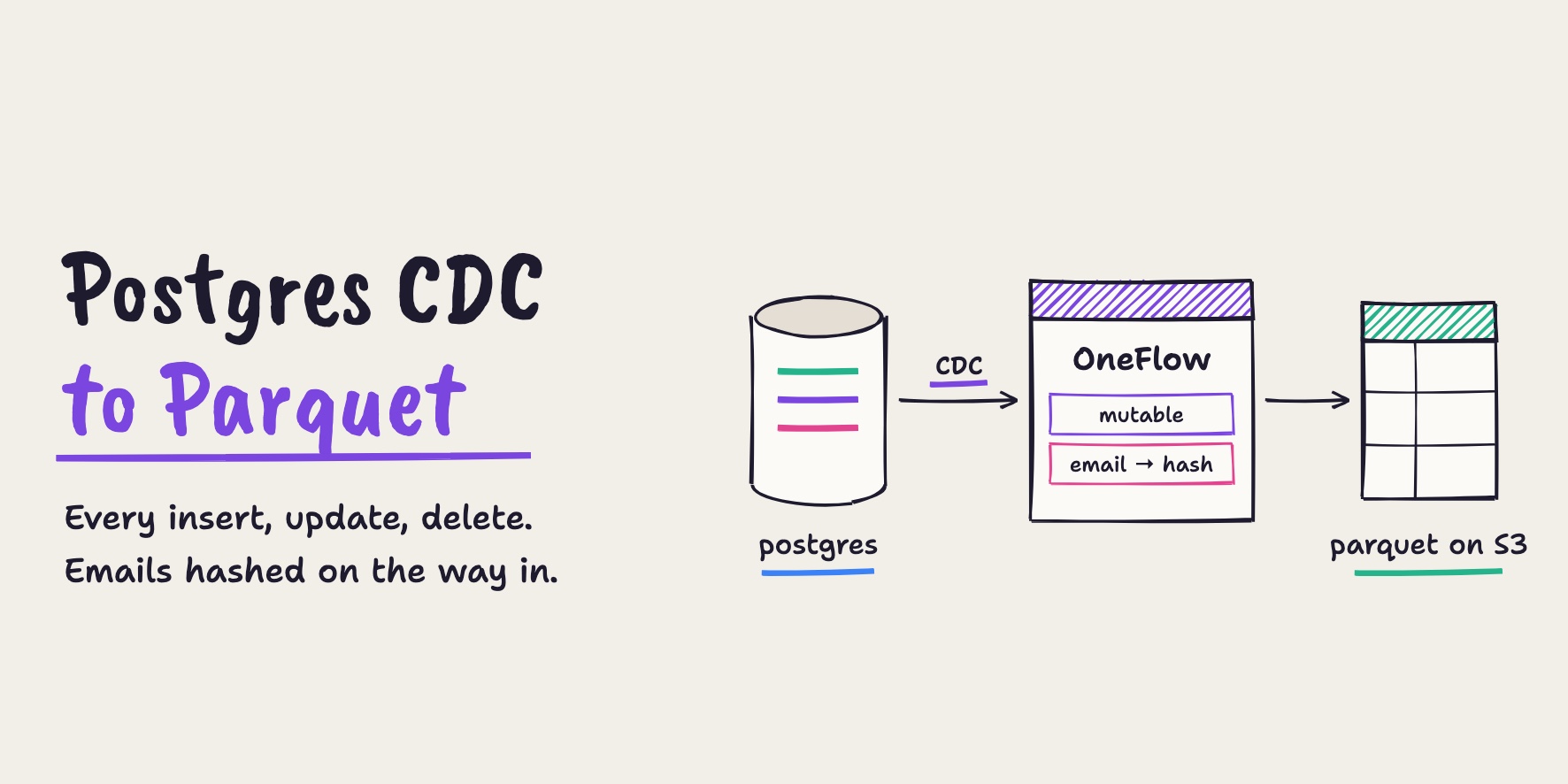
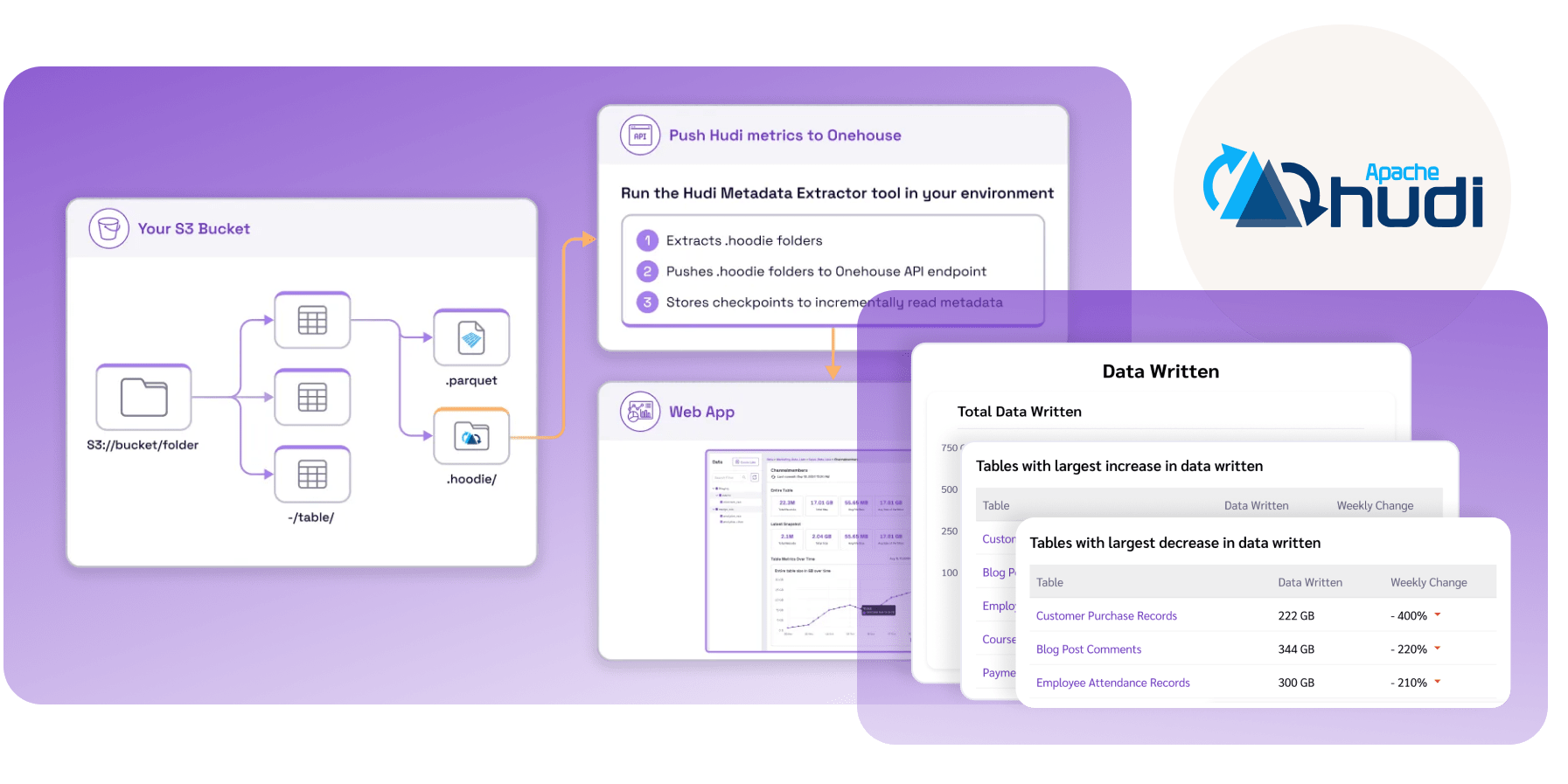
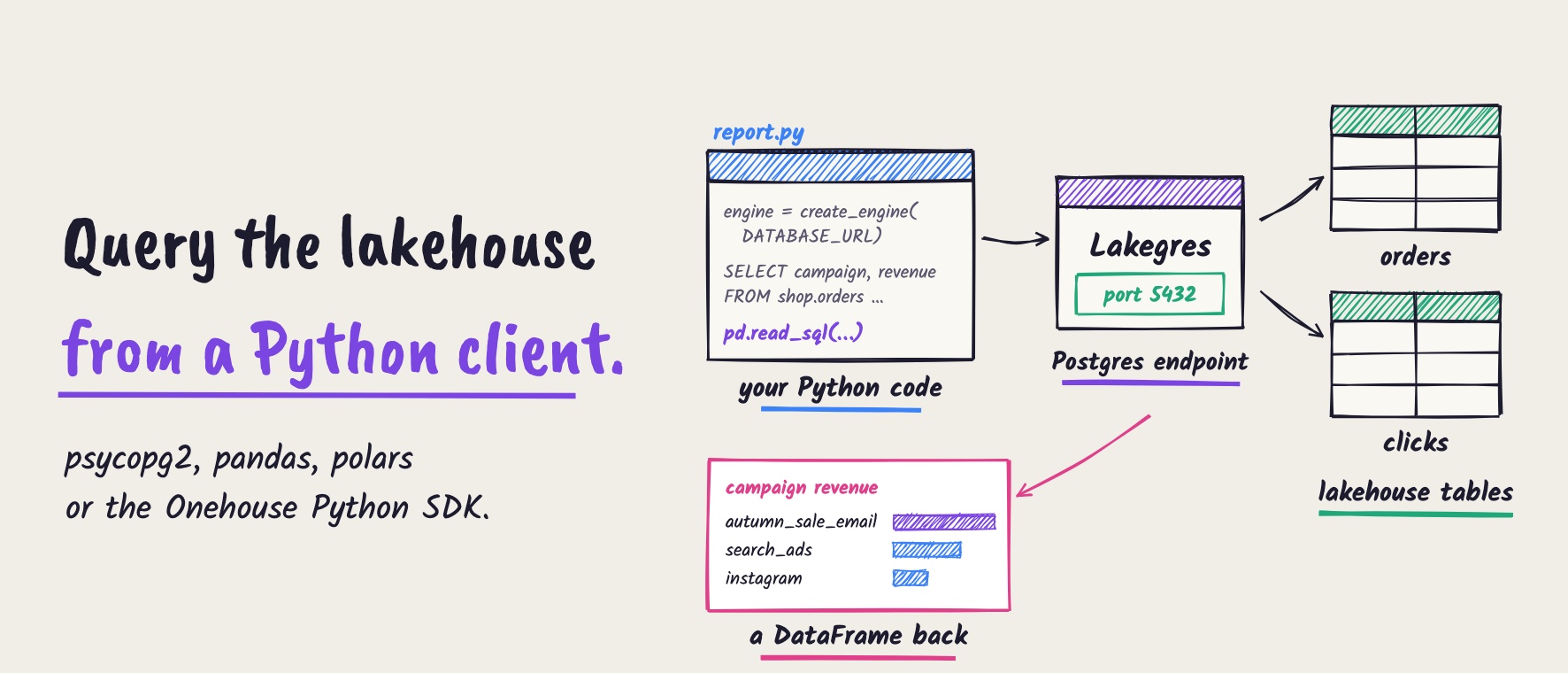
The shop’s orders and clicks live in a Postgres database. OneFlow keeps them in sync as lakehouse tables, shop.orders and shop.clicks. A Lakegres cluster puts a Postgres endpoint in front of those tables, so any Postgres client can read them:
- Source database: the shop’s Postgres, where the app writes orders and clicks.
- OneFlow: keeps the lakehouse tables in sync with the source, every five minutes in this setup.
- Lakegres: a Postgres endpoint for the lakehouse tables. Your code connects to it like any other Postgres database.
- Your Python code: psycopg2 and SQLAlchemy with pandas or polars, or the Onehouse Python SDK.
Step 1: Get the connection details
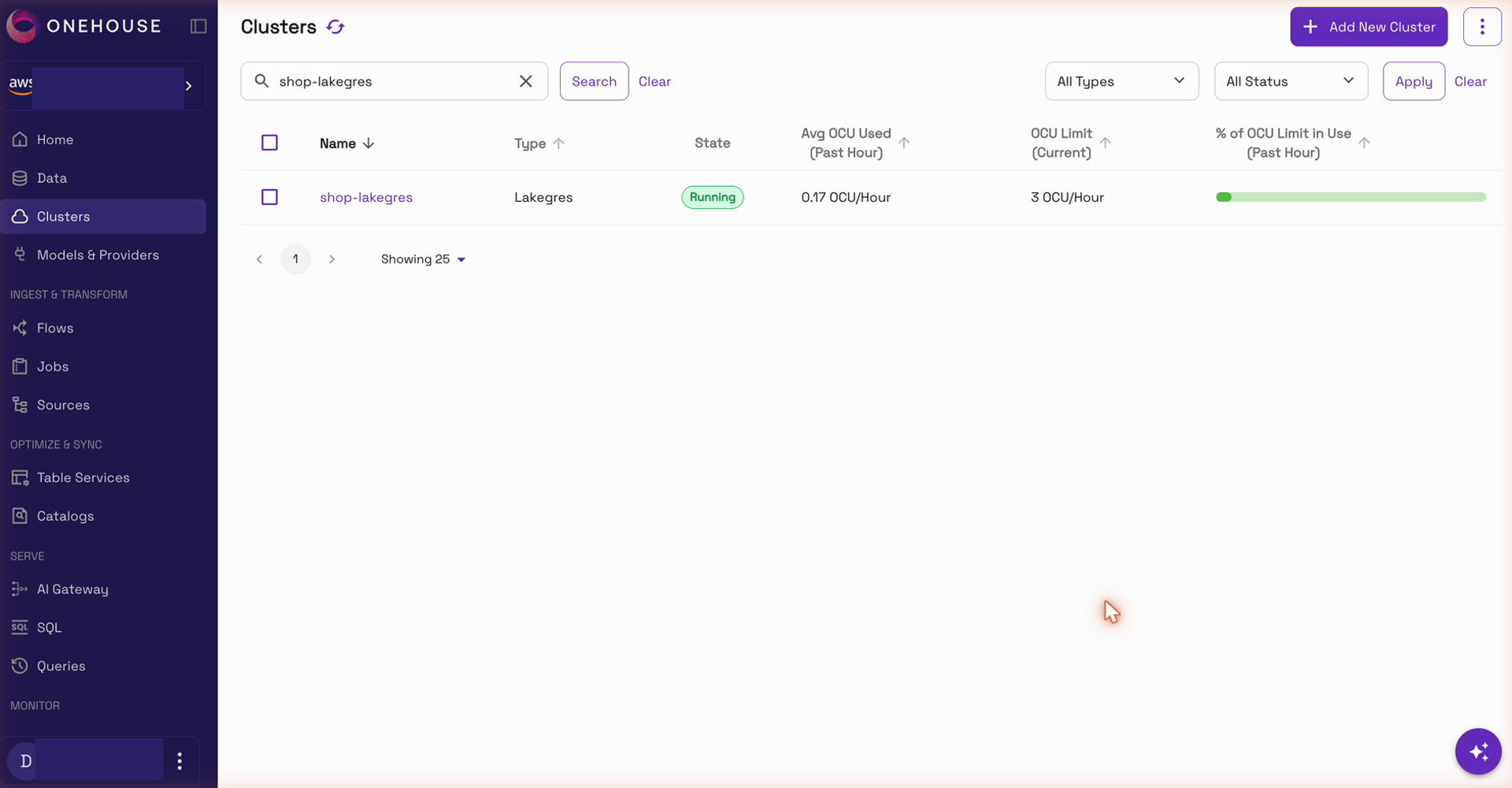
In the Onehouse console, open Clusters and pick your Lakegres cluster. Make sure it’s running:
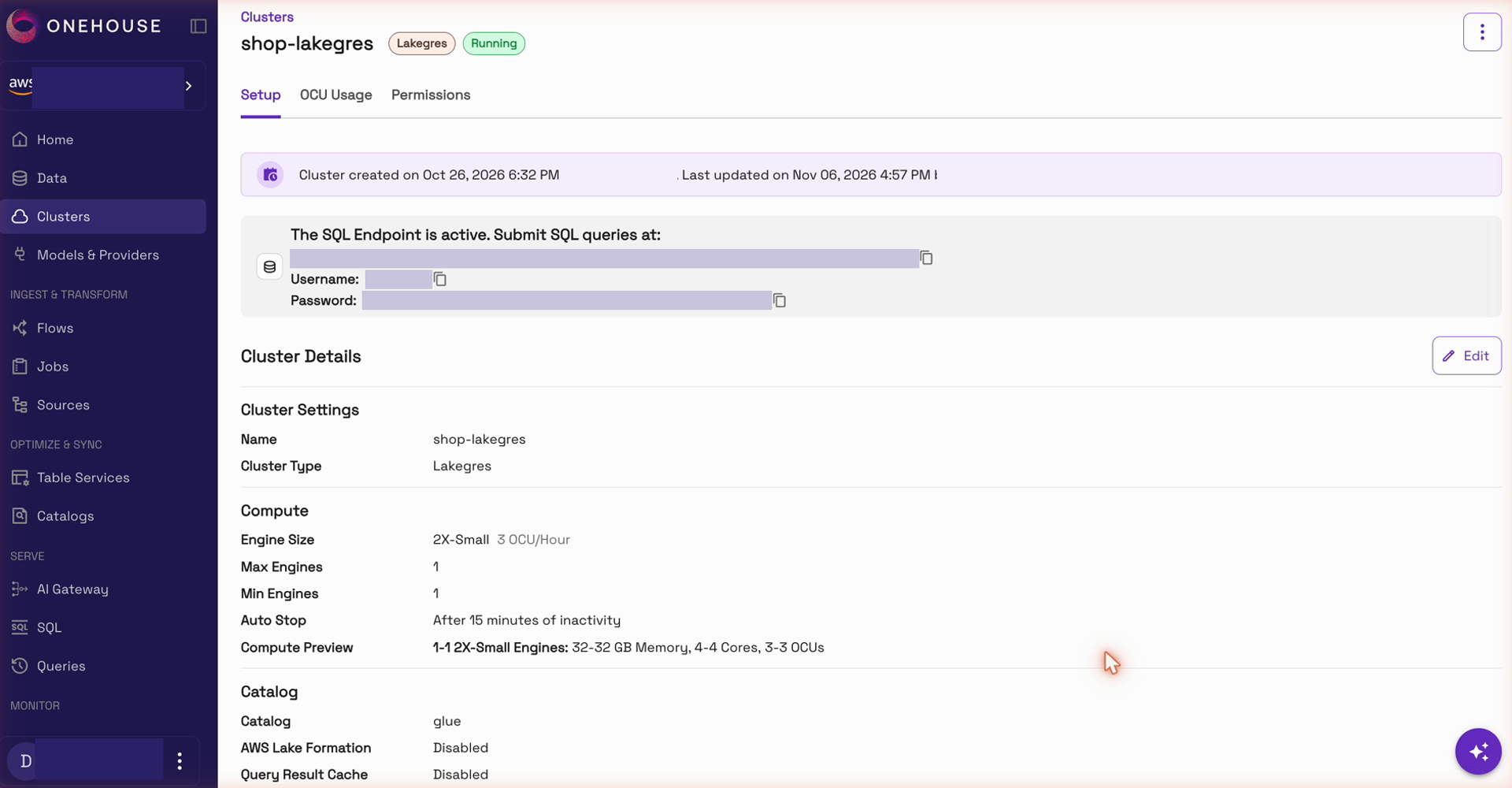
Open the cluster. The Setup page shows the SQL endpoint, the username and the password. You’ll need them to connect. Your machine also needs network access to the endpoint, for example through a VPN or a bastion host:
Step 2: Connect with psycopg2 and read into pandas
Install four packages. psycopg2 is the Postgres driver, SQLAlchemy manages the connection, and pandas and polars read the results into tables:
pip install psycopg2-binary sqlalchemy pandas polars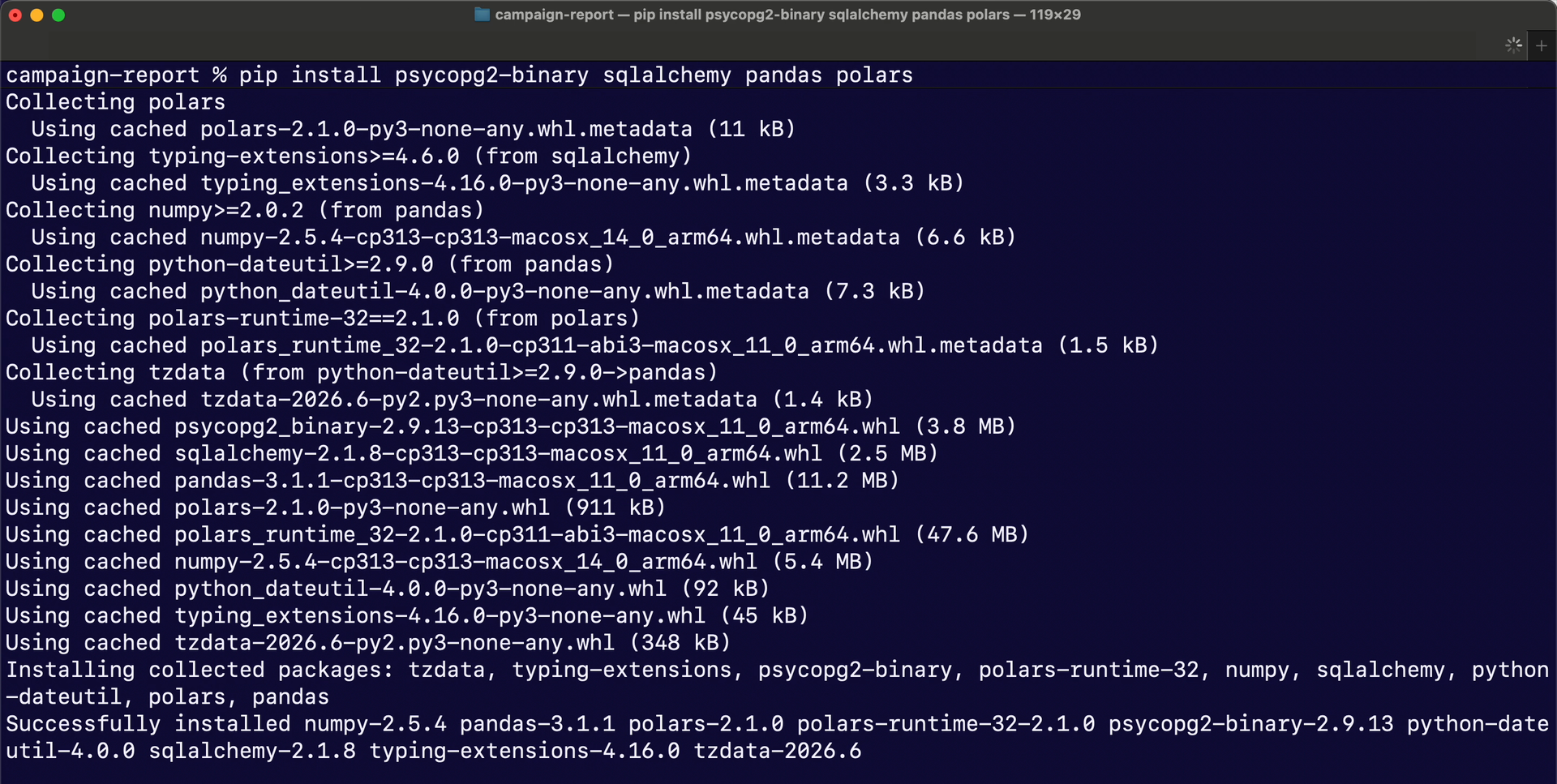
Next, save the connection details in one environment variable, DATABASE_URL, so the password stays out of your code. Start it with postgresql+psycopg2://, so SQLAlchemy uses psycopg2:
DATABASE_URL=postgresql+psycopg2://<username>:<password>@<lakegres-endpoint>:5432/postgres
Now the script. create_engine reads DATABASE_URL. The query joins clicks to orders and adds up revenue by campaign, and pd.read_sql runs it and returns a DataFrame:
import os

import pandas as pd
from sqlalchemy import create_engine

engine = create_engine(os.environ["DATABASE_URL"])

REVENUE = """
SELECT c.campaign,
       count(DISTINCT c.session_id) AS sessions,
       count(o.order_id)            AS orders,
       round(sum(o.amount), 2)      AS revenue
FROM shop.clicks_rt c
LEFT JOIN shop.orders_rt o ON o.order_id = c.order_id
GROUP BY c.campaign
ORDER BY revenue DESC
"""

df = pd.read_sql(REVENUE, engine)
print(df)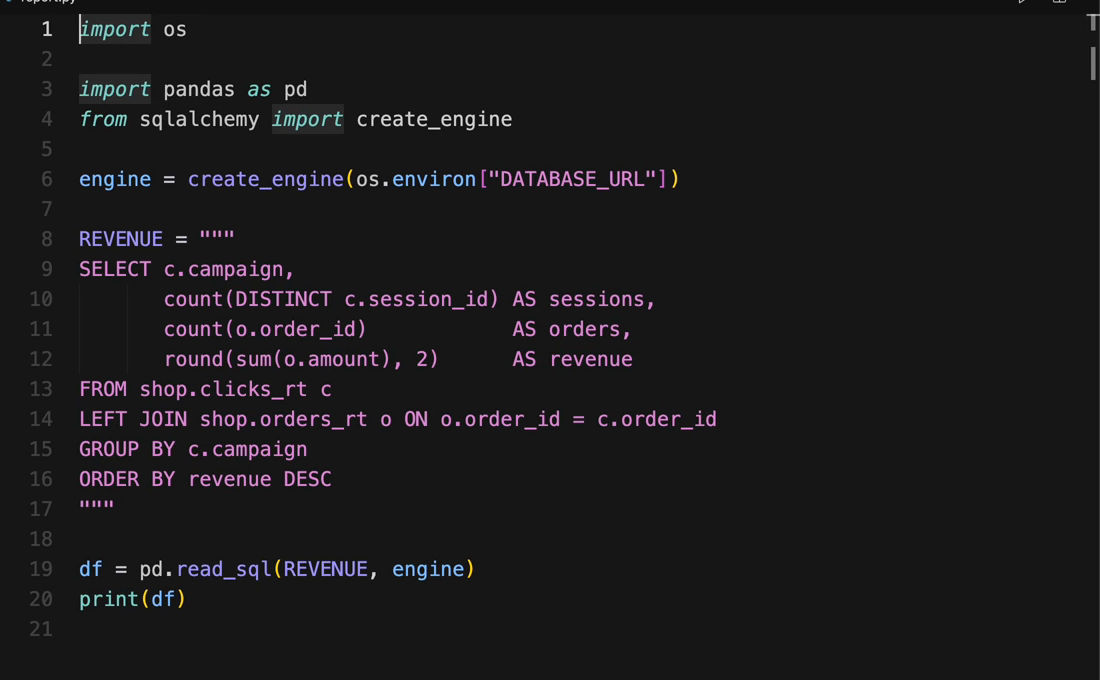
Run it with python report.py. The result is a pandas DataFrame with sessions, orders and revenue for each campaign:
Step 3: Use polars instead
To use polars, import polars and call pl.read_database with the same engine and query. Nothing else changes:
import polars as pl
...
df = pl.read_database(REVENUE, engine)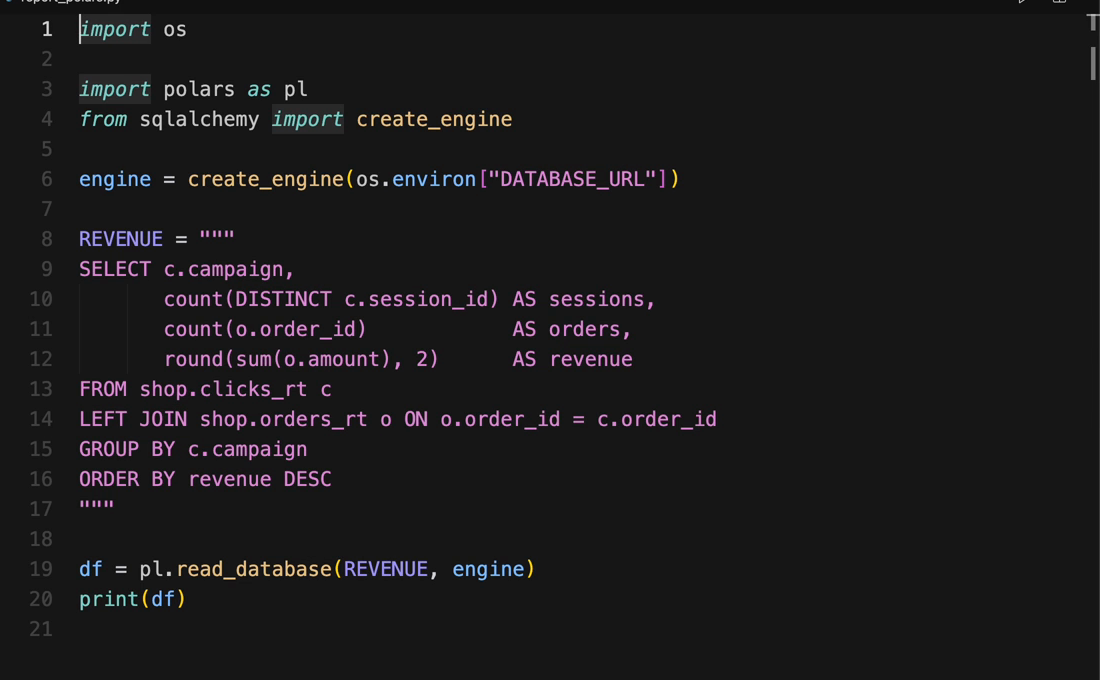
Step 4: Connect with the Onehouse Python SDK
You can also connect with the Onehouse Python SDK. Install it with pip, and add lakegres in square brackets, which adds Lakegres support:
pip install "onehouse-python-sdk[lakegres]" polars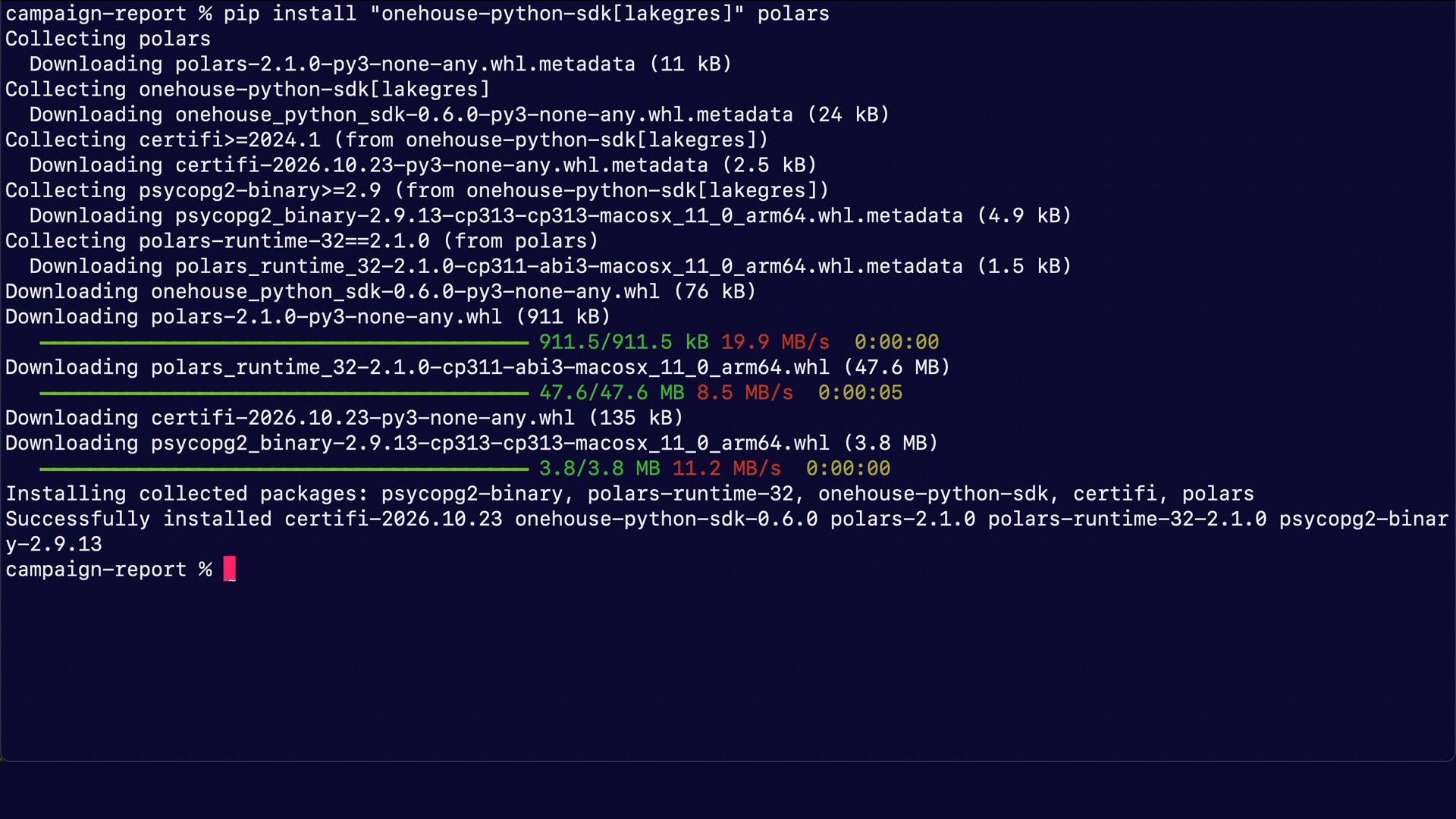
LakegresClient connects with a plain postgresql:// URL (no +psycopg2), and it can also sign you in through your company’s single sign-on. You can then pass its connection to polars or pandas to read the results:
import os

import polars as pl
from onehouse_python_sdk import LakegresClient

client = LakegresClient().connect(os.environ["LAKEGRES_URL"])  # plain postgresql:// URL
df = pl.read_database(REVENUE, client.raw_connection)
print(df)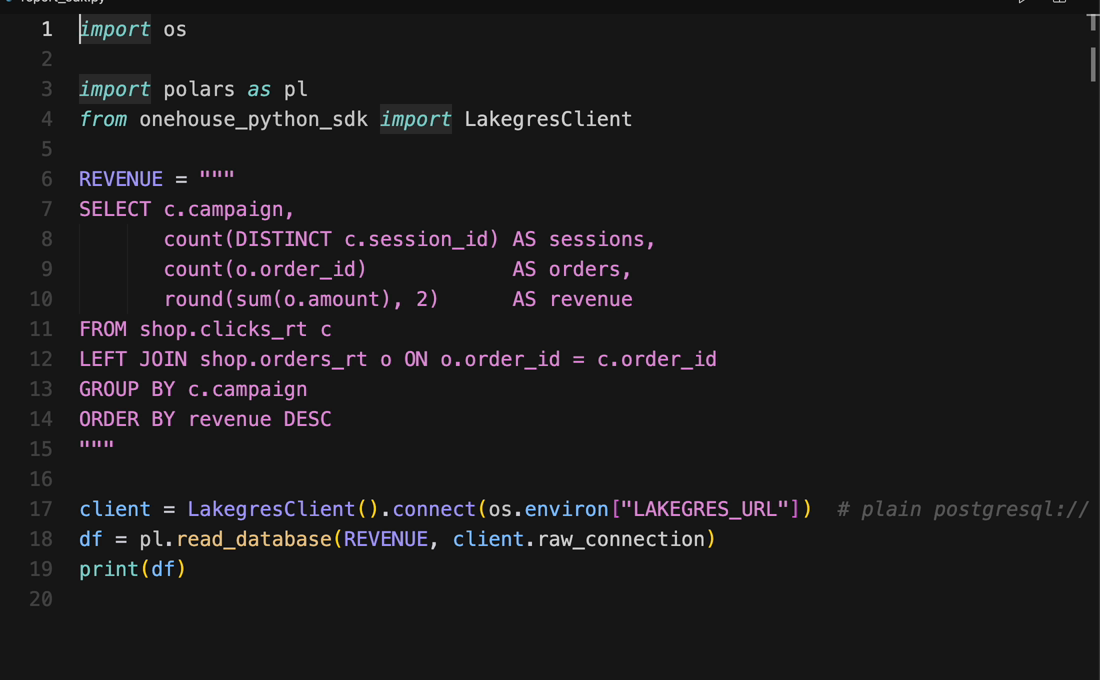
Step 5: Check that new data shows up
Lakegres reads the lakehouse tables that OneFlow keeps in sync with the source database. To see this, add an order in the source database: 240.00, from the autumn sale email:
INSERT INTO orders (order_id, customer_email, amount, status)
VALUES (2228, 'mia@example.com', 240.00, 'paid');

INSERT INTO clicks (session_id, page, campaign, order_id)
VALUES ('s-2228', '/checkout/done', 'autumn_sale_email', 2228);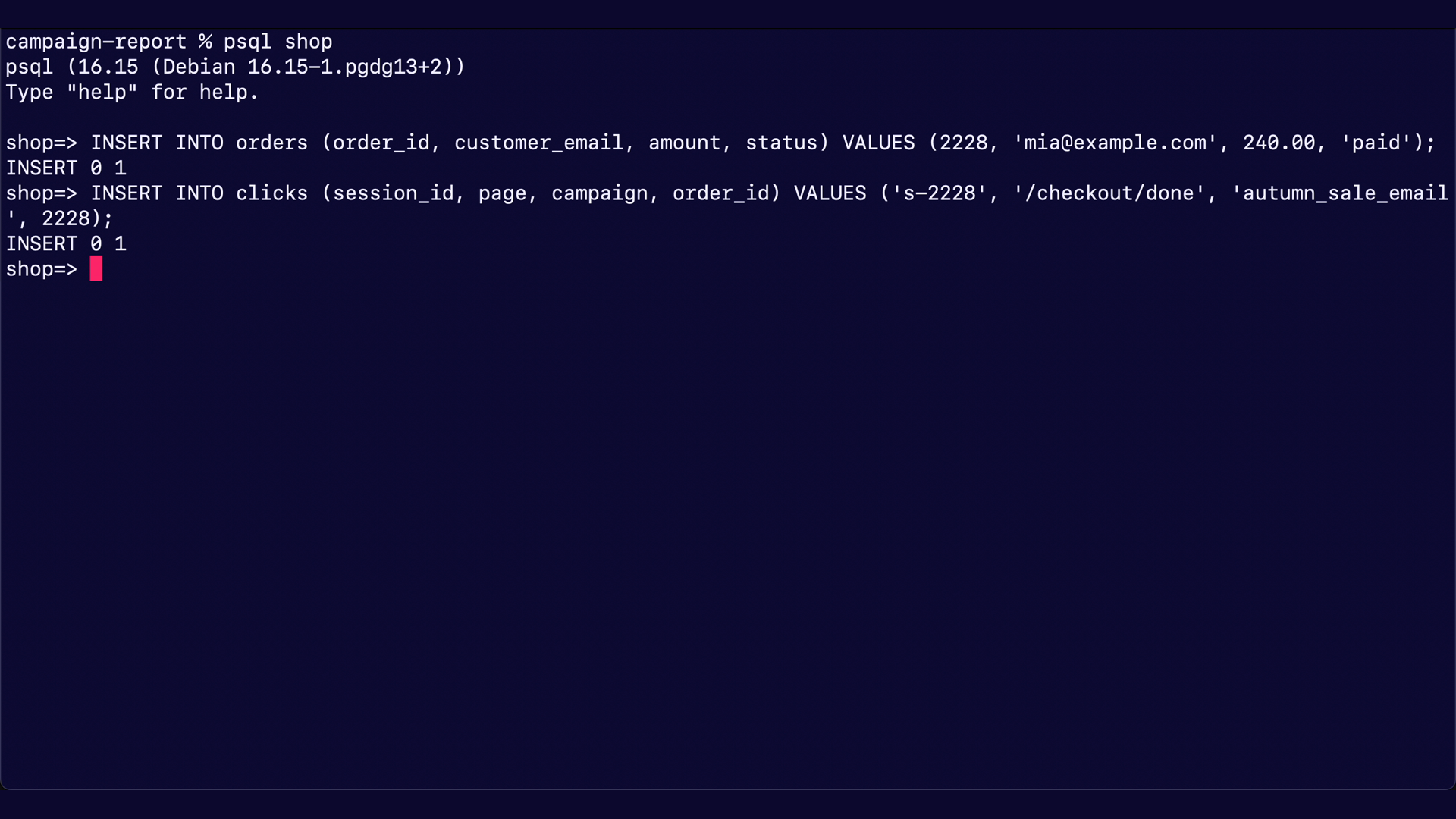
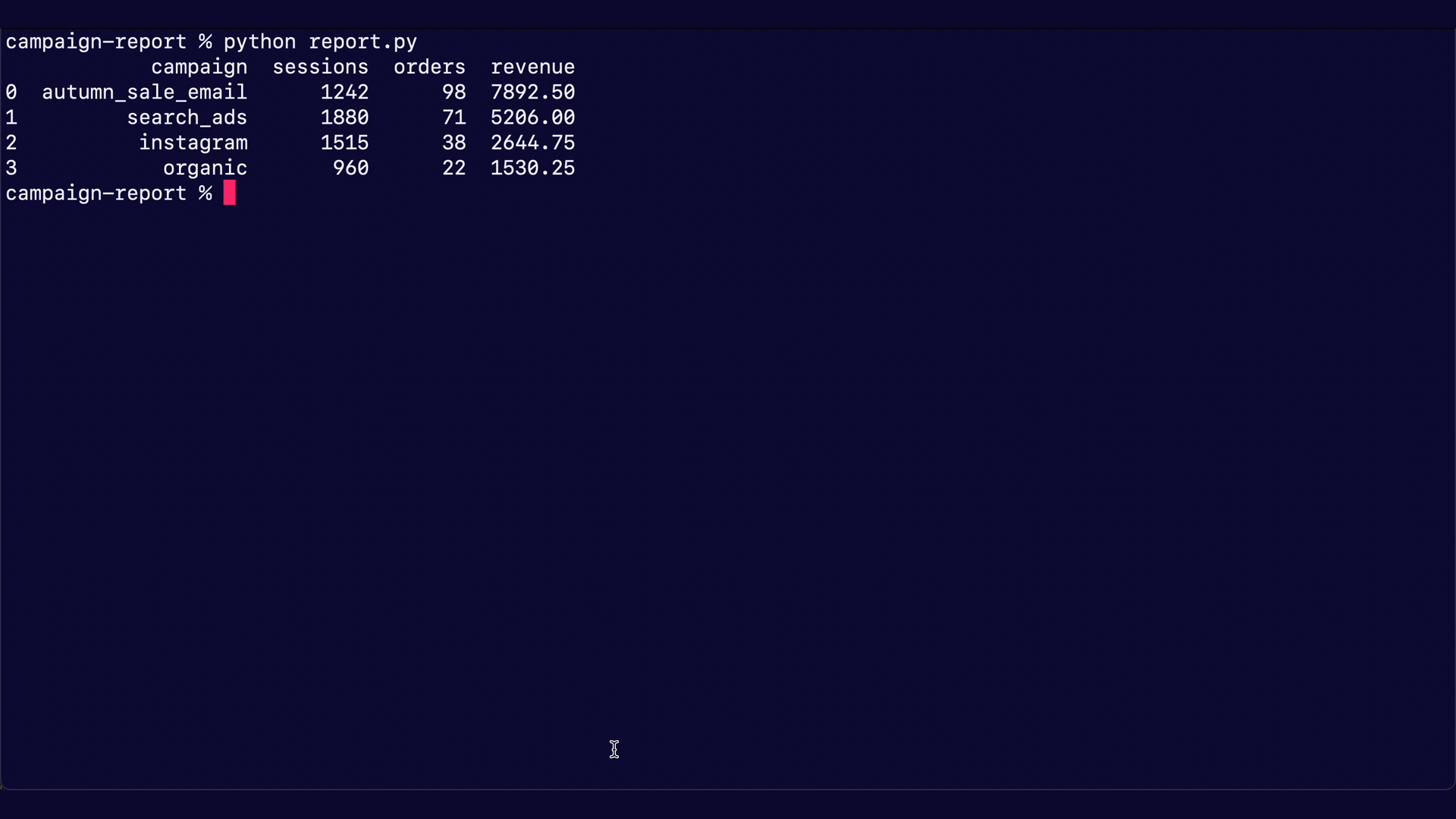
After the next sync, run the script again. The new order shows up in the results: autumn_sale_email now has 98 orders and 7,892.50 in revenue, up from 97 and 7,652.50:
Conclusion
In this blog, we’ve shown how to query lakehouse tables from a Python client with Lakegres. The same report read the tables through psycopg2 and SQLAlchemy into pandas, then into polars by changing one line, and then through the Onehouse Python SDK. When we added a 240.00 order in the source database, the next run after OneFlow’s sync showed it: the autumn sale email went from 97 orders and 7,652.50 to 98 orders and 7,892.50.
Other recommended blogs:
- Announcing Onehouse Lakegres™: database speeds finally on the lakehouse
- Introducing Onehouse OneFlow: Ingest once, query anywhere
To try it on your own tables, start at onehouse.ai, or get in touch with our team at gtm@onehouse.ai.
Frequently asked questions
What is Lakegres?
Lakegres gives your lakehouse tables a Postgres endpoint. Any Postgres client can connect to it with an endpoint, a username and a password, and query the tables with SQL.
Which Python libraries did we use?
psycopg2 with SQLAlchemy, pandas and polars, and the Onehouse Python SDK. pandas reads with pd.read_sql and polars with pl.read_database, the same calls you would use with any Postgres database.
Why does the connection string start with postgresql+psycopg2://?
It tells SQLAlchemy to use the psycopg2 driver, which is the driver we used with Lakegres. The Onehouse Python SDK takes a plain postgresql:// URL instead.
Do I have to change my pandas or polars code?
No. You point the connection at Lakegres; the read calls and the SQL stay the same.
Where do I find the endpoint, username and password?
On the Setup page of your Lakegres cluster in the Onehouse console. Your machine also needs network access to the endpoint, for example through a VPN or a bastion host.
Can I sign in with my company login instead of a password?
Yes, with the Onehouse Python SDK: LakegresClient supports single sign-on. See the Lakegres Python client docs for the providers it supports.
How fresh is the data?
Lakegres reads the lakehouse tables, so it sees changes after OneFlow’s next sync. In our run, the sync interval was five minutes.